Boris's Practical Tips for Claude Code: So That's Why Experts' Configurations Are So 'Simple'
Boris Cherny has a nickname inside Anthropic: the father of Claude Code. He has been very active on X recently, so many people ask Boris: How do you actually use Claude Code yourself? He just shared 9 practical tips on X.
There aren't as many tricks as you might imagine; each one is simple and unpretentious.
[1] Core Philosophy: There Is No Single Best Practice for Claude Code
Boris opened by saying:
My setup might be surprisingly vanilla! Claude Code works great out of the box, so I personally don't customize it much.
My configuration might be surprisingly "stock." Claude Code works great out of the box, so I personally don't customize it much.
It's understandable—those best practices, like Skills and Plugins, as Claude Code developers, they've already built these best practices into the product as features.
There is no single right way to use Claude Code. The team deliberately designed it to be something you can tinker with freely—however you want to use it, modify it, or hack it is fine. Everyone on the Claude Code team uses it completely differently.
So there's no need to go out of your way to find the "best practice"; what matters most is a rhythm that suits you.
[2] Multi-Agent Task Parallelism: Running a Dozen Clauses Simultaneously
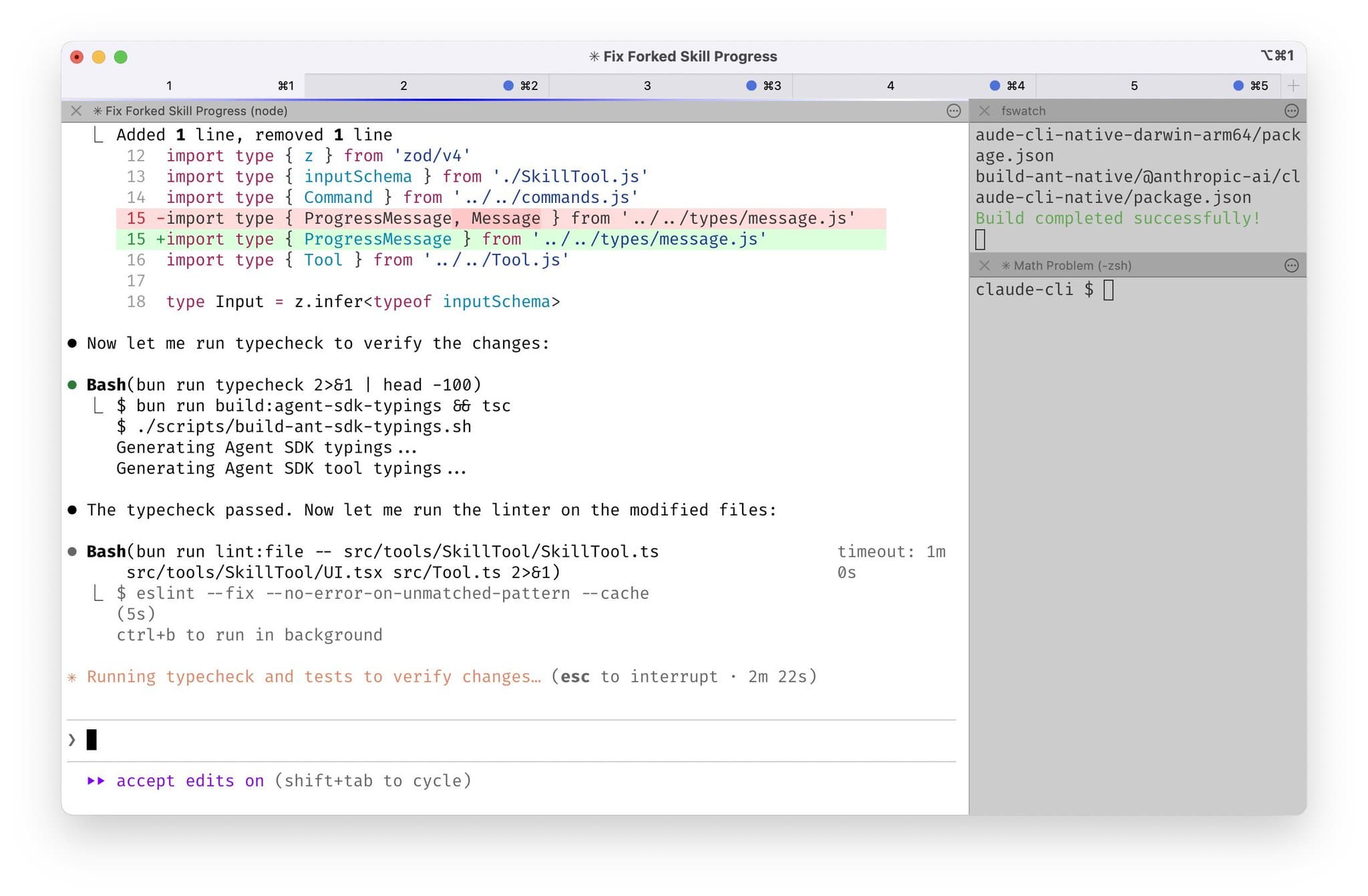
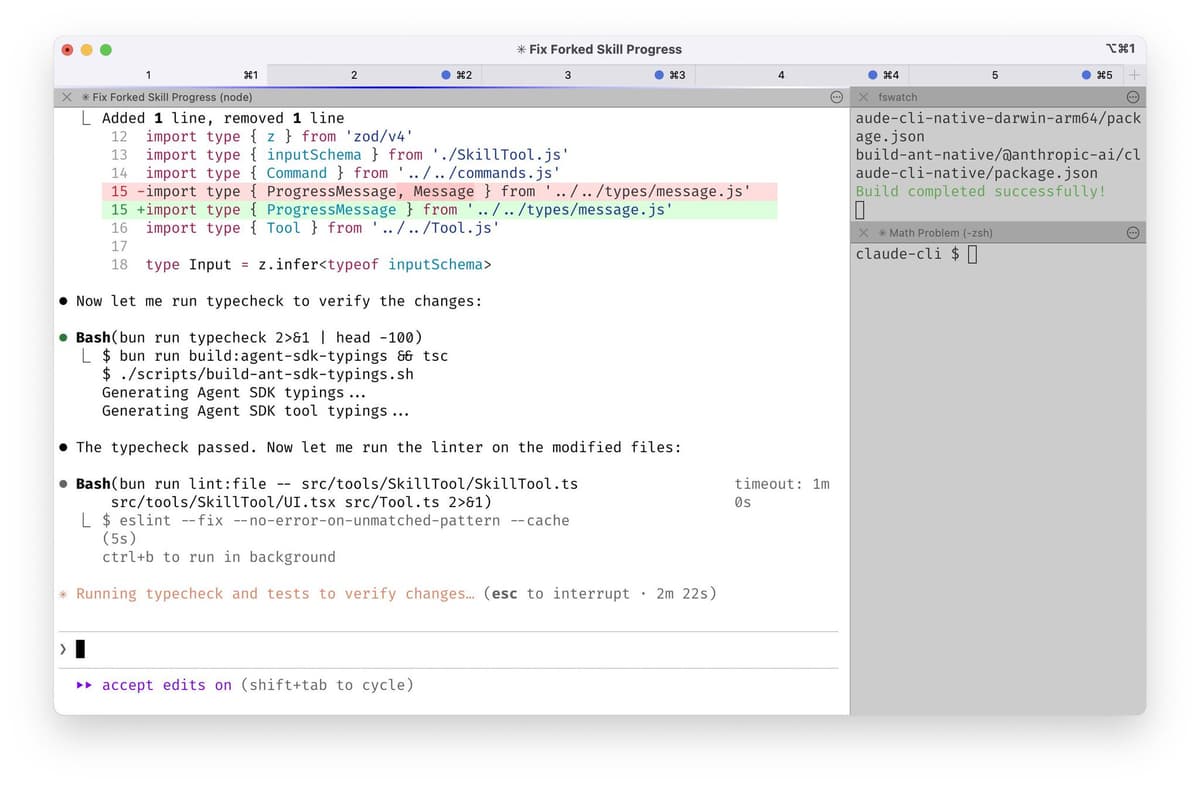
Boris's daily routine looks like this: he has 5 Claude Code instances open in the terminal, tabs numbered 1 to 5, with system notifications enabled, and he jumps over to whichever one needs input.
At the same time, he runs 5 to 10 tasks on the web version at http://claude.ai/code. The terminal and web can "hand off" to each other: use the & symbol to move a local session to the web, or use --teleport to switch back and forth between the two.
He starts several tasks from the mobile Claude app in the morning and during the day, then checks back on the results later.
The core logic behind this "multithreaded" way of working is: Claude Code excels at autonomous execution, and many tasks don't require you to watch over them. You start a task, give it direction, let it run, and go do something else. When it needs your confirmation, you switch back.
This is a completely different rhythm from the traditional "human types a line of code, AI fills in a few lines." But it also places higher demands on the user—you need to be good at assigning tasks to agents and able to switch between multiple tasks at any time. For those used to traditional development where you work on your own and only one task runs at a time, this is a big challenge.
To my shame, although I often use Coding Agents, I'm still not comfortable running too many tasks simultaneously. I need to practice this more this year.
[3] Model Selection: Why Use Opus Instead of the Faster Sonnet
Boris says he uses Opus 4.5 with thinking mode for all his tasks. It's the best coding model he's ever used.
Some might ask: Isn't Opus bigger and slower than Sonnet? Boris's answer: Although each response is a bit slower, you need to correct it far less often, and tool calls are more accurate, so in the end it's actually faster.
I've always agreed with this point. When writing code, you can't just rush for speed; quality has to come first. If a fast model requires you to correct it three times back and forth, you might as well use a slower model and get it done in one go. Time isn't just the model's response time; it's also your attention and mental energy cost.
The only issue is that Opus costs more.
[4] CLAUDE.md: A Team-Shared "Project Memory"
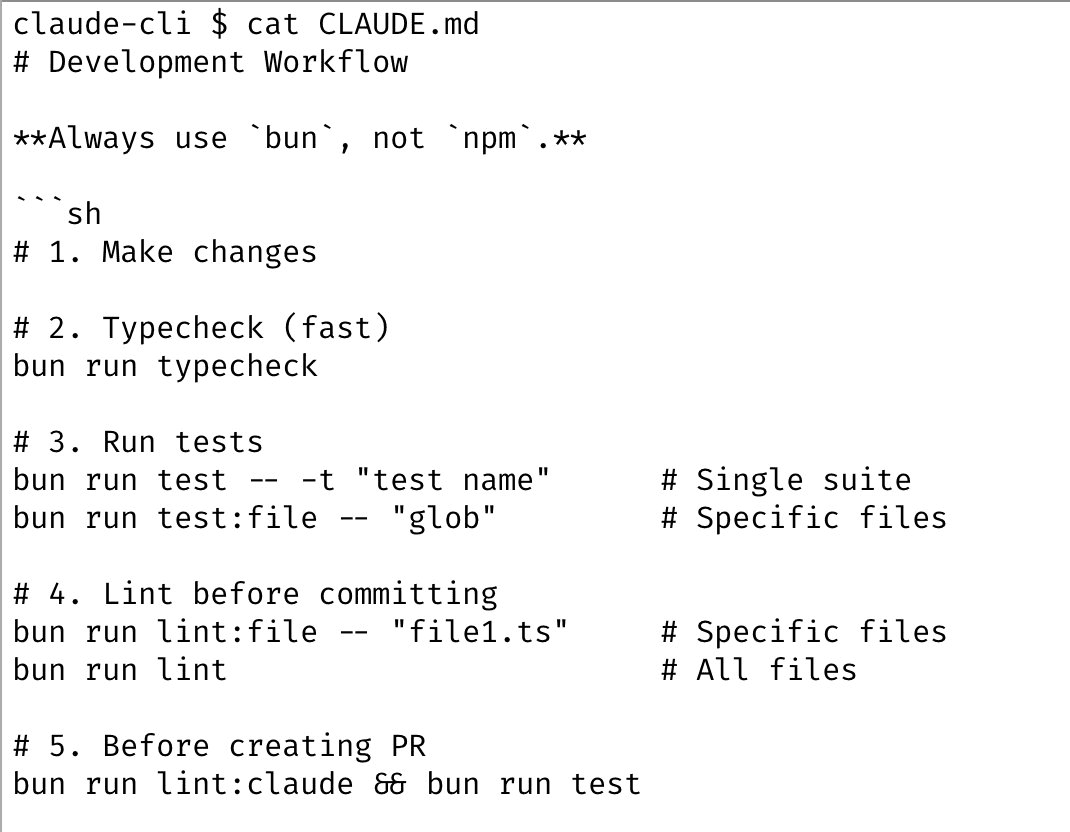
CLAUDE.md is a special configuration file for Claude Code, placed in the project root. Every time you start Claude Code, it automatically reads this file and treats its contents as "background knowledge." You can think of it as: this is the project manual you write for the AI, telling it about the project's architecture, conventions, and things to watch out for.
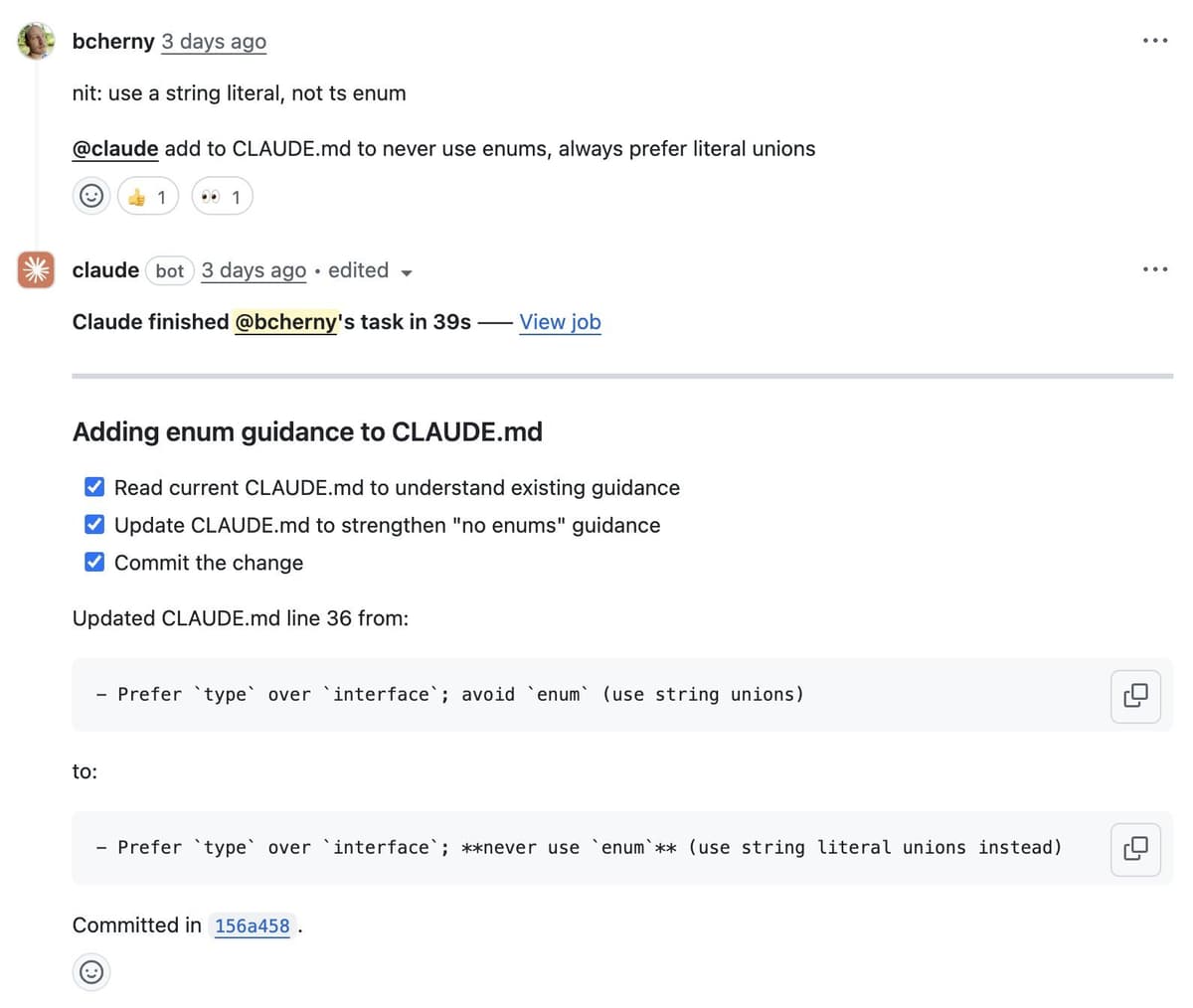
Boris's team approach: the entire Claude Code repository shares one CLAUDE.md, committed to Git, and everyone maintains it together. People add things to it every week. The rule is simple: every time you see Claude do something wrong, write "don't do it this way" into the file, and next time it will know.
What's even more interesting is that they also use this mechanism during code reviews. Boris will @.claude on a colleague's PR and have Claude add a new rule to CLAUDE.md. This is done through Claude Code's GitHub Action.
Dan Shipper calls this practice "compounding engineering": every correction becomes a team asset, making the AI understand your project better and better.
If you haven't used CLAUDE.md yet, or haven't been updating rules as frequently as they do, I strongly recommend trying it. The simplest way to start is to run the /init command, and Claude will automatically analyze the project structure and generate an initial version. Then you add to it as you go, and whenever you see something wrong, you add it in.
[5] Plan Mode: Think It Through Before You Act
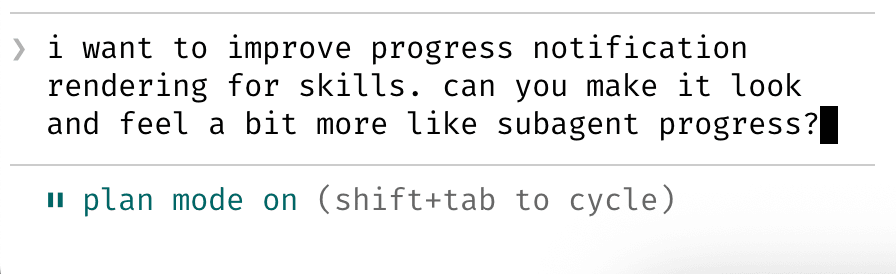
Boris says most of his sessions start in Plan mode. In Claude Code, you can switch by pressing Shift + Tab twice.
In Plan mode, Claude doesn't directly modify code; instead, it gives you an execution plan first. You can discuss back and forth, modify the plan, until you're satisfied. Then you switch to auto-accept mode, and Claude can usually complete it in one go.
"A good plan really matters." This habit is actually about bringing the classic wisdom of software development into AI collaboration: design before coding. Many people's problem with using AI to write code is diving straight in, and if the direction is wrong, the rework cost is high. Spending a few minutes aligning on the plan can save hours of rework.
[6] Automating Repetitive Work: Slash Commands and Sub-Agents
Boris has several operations he uses dozens of times a day, and he's turned them into slash commands. For example, "/commit-push-pr" does commit, push, and PR creation in one click.
Slash commands are essentially Markdown files placed in the .claude/commands/ directory. You can write instructions in natural language and even embed bash scripts to pre-fetch some information, reducing the number of back-and-forth model calls. These commands can be committed to Git and shared across the team.
In addition to slash commands, he also uses sub-agents (https://code.claude.com/docs/en/sub-agents). Sub-agents are independent Claude instances dedicated to a specific type of task. For example, he has a code-simplifier sub-agent that automatically simplifies code after the main Claude finishes its work; and a verify-app sub-agent dedicated to end-to-end testing.
What these two features have in common: they solidify the things you do repeatedly and let Claude call them on its own. You don't have to repeat explanations every time, and you don't have to remember all the command details.
Use PostToolUse Hooks to format the code Claude generates. Claude can usually generate well-formatted code automatically, and this Hook handles the last 10% to avoid formatting errors later in the CI process.
[7] Security and Integration: Permission Configuration and External Tools
Boris doesn't use the "dangerous" option --dangerously-skip-permissions. Instead, he uses the /permissions command to pre-approve some common safe commands, avoiding confirmation dialogs every time. These settings are saved in .claude/settings.json and shared across the team.
Even more powerful is MCP server integration. MCP stands for Model Context Protocol, a standard protocol introduced by Anthropic that lets AI connect to external tools. Through MCP, Claude Code can directly:
Boris's team also commits the Slack MCP configuration to the repository, so everyone gets it out of the box.
This means Claude Code isn't just a coding tool; it's a "versatile assistant" that can call your entire toolchain.
[8] Long-Running Task Handling: Let Claude Verify Itself
For tasks that run for a long time, Boris has a few strategies:
One is to have Claude automatically verify results with a background agent after completion. You can require this in the prompt, or use a Stop Hook for more deterministic triggering.
Note: Hooks are Claude Code's "hook" mechanism, letting you insert custom logic at specific moments when Claude performs actions. You can think of it as a "trigger": when a certain event happens, it automatically executes your preset command or script.
A Stop Hook is when Claude finishes responding and is about to hand control back.
Related docs: https://code.claude.com/docs/en/hooks
Two is using the ralph-wiggum plugin https://github.com/anthropics/claude-plugins-official/tree/main/plugins/ralph-wiggum. This is an interesting design: "Ralph is essentially a Bash loop": imagine a simple infinite loop (while true) that keeps feeding the same task description (prompt file) to the AI agent, having it improve the work over and over until it's completely done.
Three is using --permission-mode=dontAsk or --dangerously-skip-permissions in a sandbox environment, letting Claude run to completion without being interrupted by permission confirmations.
The core idea: since it's a long task, don't make it wait for you. Give it enough autonomy and self-correction ability.
[9] The Most Important One: Give Claude the Ability to Verify
Boris saved this one for last, saying it might be the most important factor in getting good results.
If Claude can verify its own work, the quality of the final output can improve 2 to 3 times.
He gave an example: for every change they submit to http://claude.ai/code, Claude tests it itself using a Chrome extension: opens the browser, tests the UI, finds issues, and iterates until the feature works and the experience is reasonable.
The verification method varies by scenario. It might be running a bash command, running a test suite, or testing the app in a browser or mobile simulator. The form doesn't matter; what matters is giving the AI a feedback loop.
This principle is actually quite simple. Human engineers also ensure quality through the loop of "write code—test—see results—modify." AI is the same. If it can only write but not test, it's like working with your eyes closed, and quality is left to luck.
Boris's advice is: invest effort in making the verification mechanism solid. This is the investment with the highest return.
【10】A master wields the sword with no move surpassing all moves
In martial arts novels, a master's swordplay has no flashy moves—no move surpasses all moves. Boris doesn't flaunt complex custom configurations or mysterious secret prompts; he simply uses the official features. The difference lies in his true understanding of the logic behind these features, combining them into an efficient workflow.
Parallel work is possible because Claude can execute autonomously; using Opus is for higher overall efficiency;
http://
CLAUDE.md turns error correction into an asset; Plan mode means thinking clearly before acting; slash commands and sub-agents automate repetitive tasks; the verification mechanism provides a feedback loop for AI.
If you're just starting with Claude Code, there's no need to rush into studying various advanced configurations. First, master the basics: learn to work in parallel, learn to plan, learn to accumulate CLAUDE.md, and learn to provide AI with verification methods.
Only when you truly hit a bottleneck should you bother with those fancy tricks.