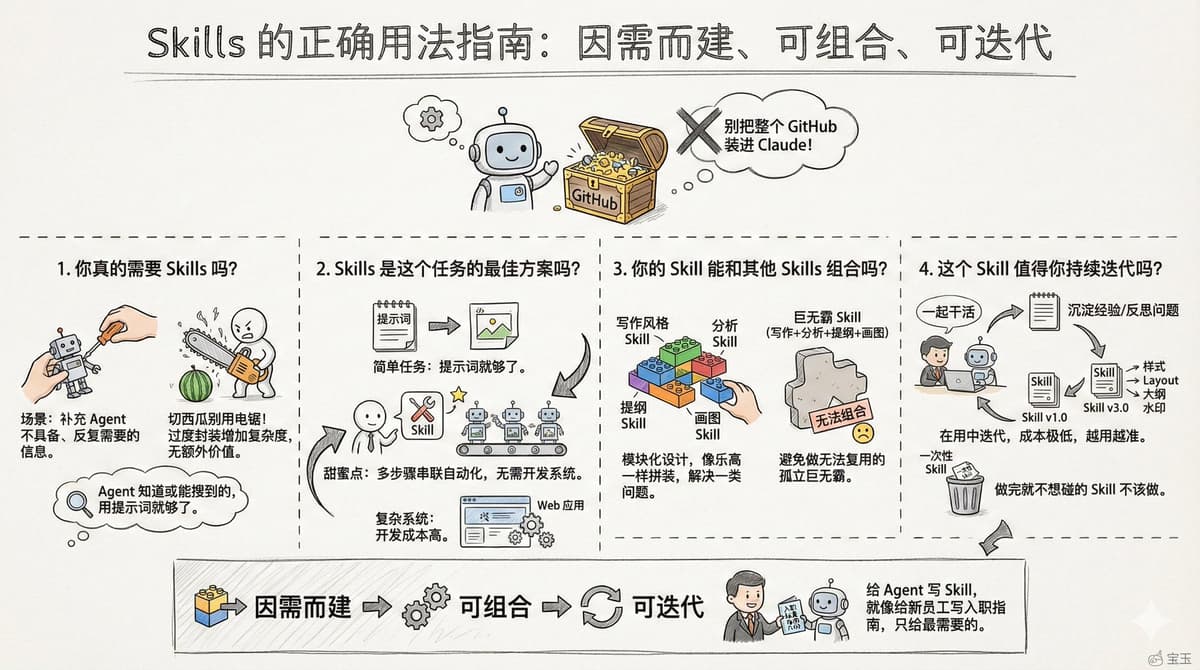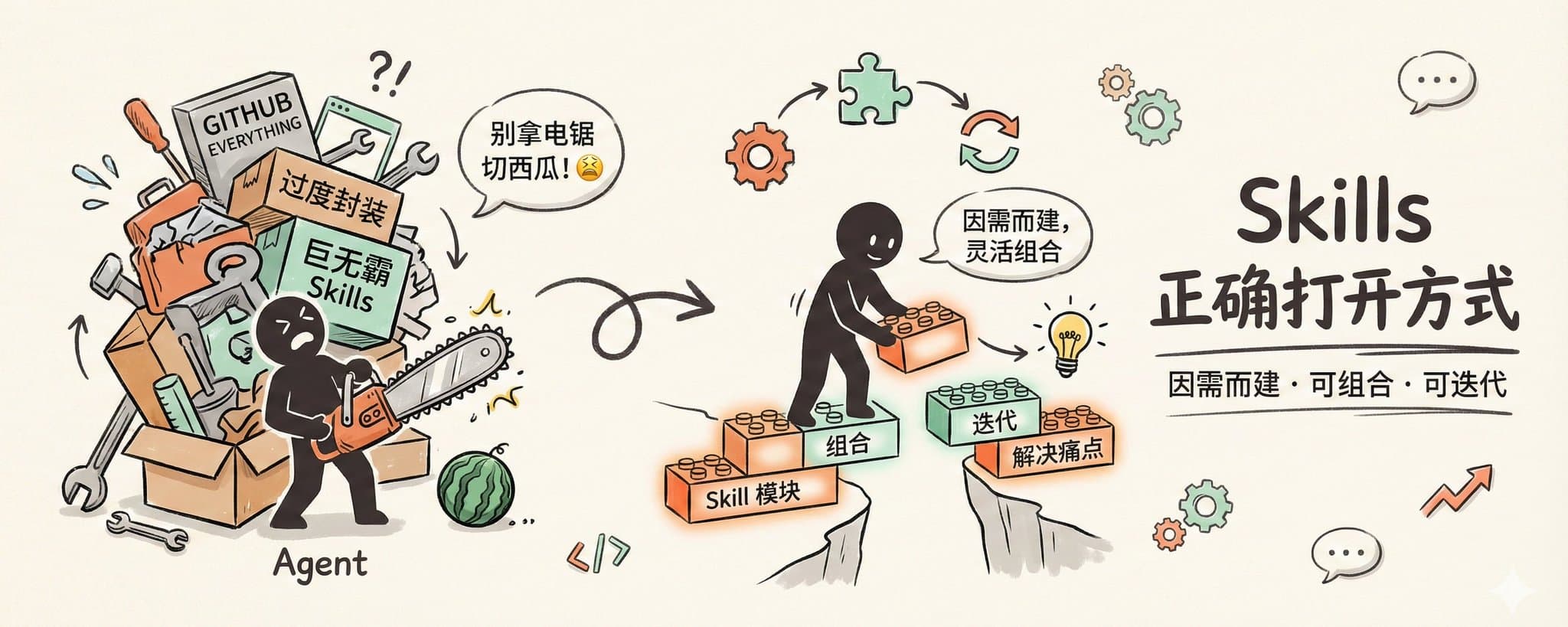
Don't Put the Entire GitHub into Skills: The Right Way to Use Skills
This article "The Most Correct Way to Use Skills is to Compress the Entire GitHub into Your Own Super Skill Library" is definitely an excellent beginner's guide, but it's also important to note: this usage doesn't quite qualify as the "most" correct way.
I'm not here to argue, but to discuss: how to use Skills better, rather than just having a hammer and looking for nails everywhere.
Do You Really Need Skills?
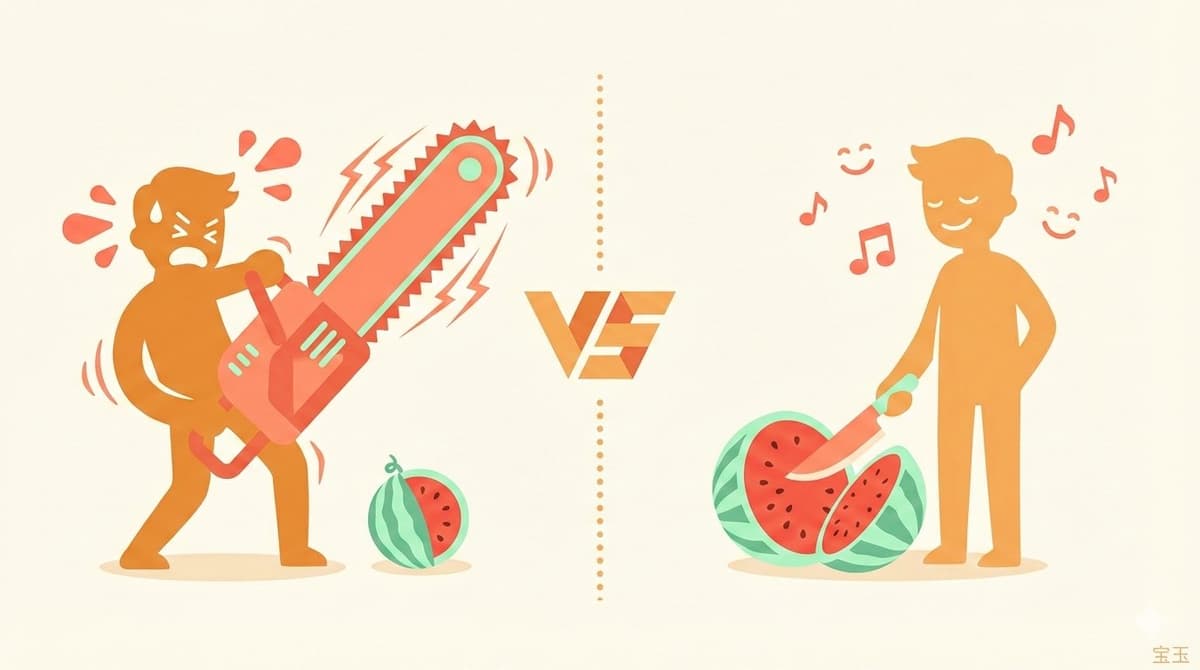
Skills are cool, like using a chainsaw to cut a watermelon – it feels really satisfying 😂
But if you're just cutting a watermelon, a watermelon knife is more convenient.
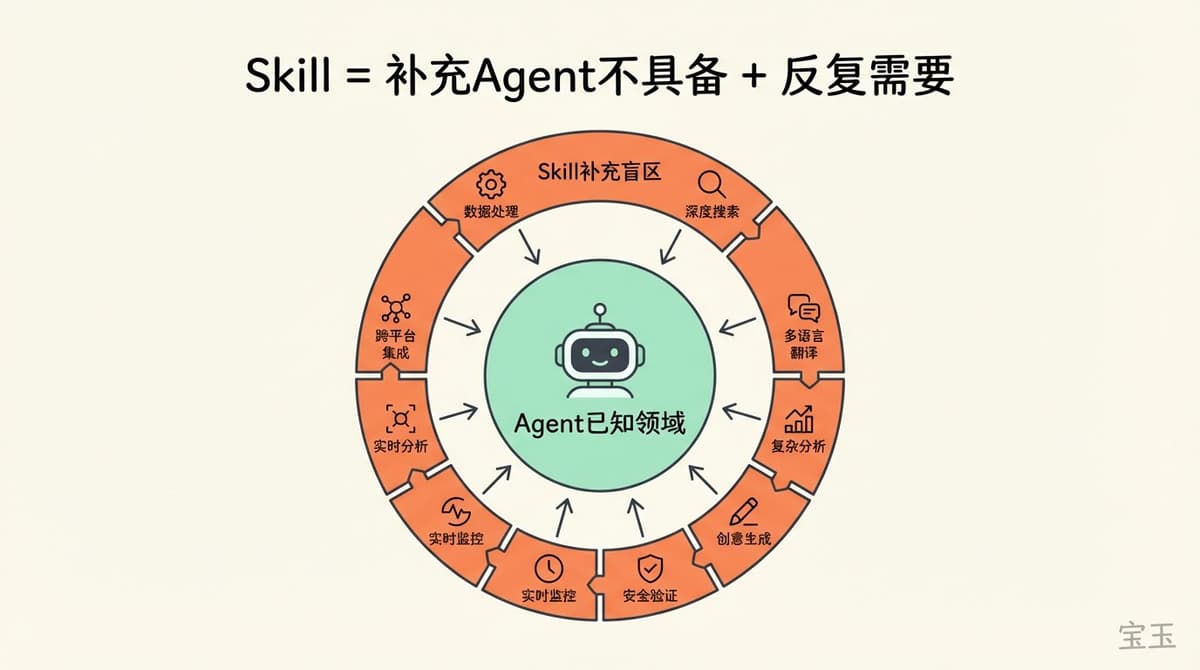
A Skill is used to supplement information that the Agent itself doesn't have, but that you repeatedly need.
This means that if the Agent already knows how to do something, or can figure it out through searching, then there's no need to make it a Skill. Over-encapsulation only increases complexity without adding extra value.
For example, downloading a YouTube video really doesn't need a GitHub Repo. Popular open-source projects, unless they're from the last six months, the Agent has already been trained on; even if not, it will search for them. You just need to say "Help me download this video" each time and provide the link.
The real scenario where you need a Skill is: after repeatedly stepping into pitfalls, you find a certain point that needs explaining every single time.
Just like I discovered while maintaining baoyu-skills: before every release, I had to teach it to write a changelog, update the README, write commit messages, and decide the version number based on the change size. After a few times, I encapsulated this process into a release-skills.
Software engineering emphasizes avoiding over-engineering, and the same goes for Skills: first solve the real problems at hand, don't over-design for future needs that might never come.
Is a Skill the Best Solution for This Task?
The advantage of a Skill is: enabling the Agent to autonomously complete multi-step tasks, with little to no coding or just a small amount of scripting.
If a task can be solved with a prompt, then a prompt is enough; if you must write a web application to make it work, the cost is too high. The sweet spot for a Skill is in the middle: tasks that require multiple steps to be chained together, but aren't worth developing an entire system for.
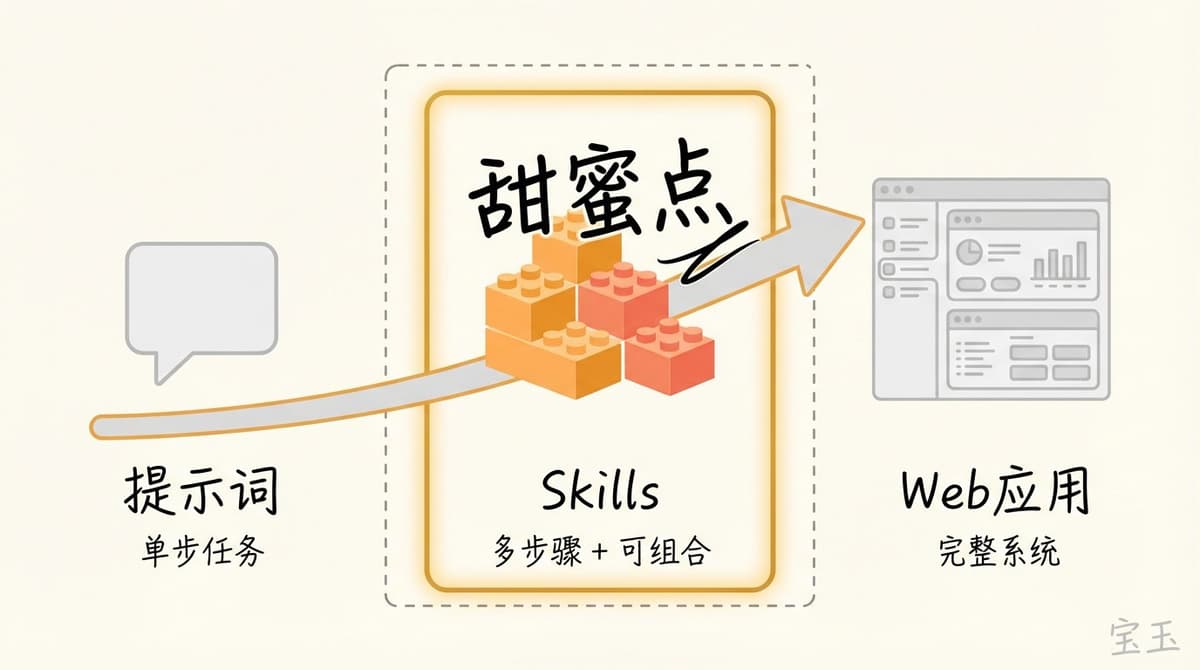
For example, adding images to an article. Relying solely on prompts won't work, because prompts can only help you analyze the article and generate image prompts, but you still have to generate each image and insert it in the right place manually.
Using an image-adding Skill is different. The Agent analyzes how many images the article needs, generates prompts for each, calls the image API for each, and finally inserts them in the appropriate places. Fully automated – you just need to approve the result.
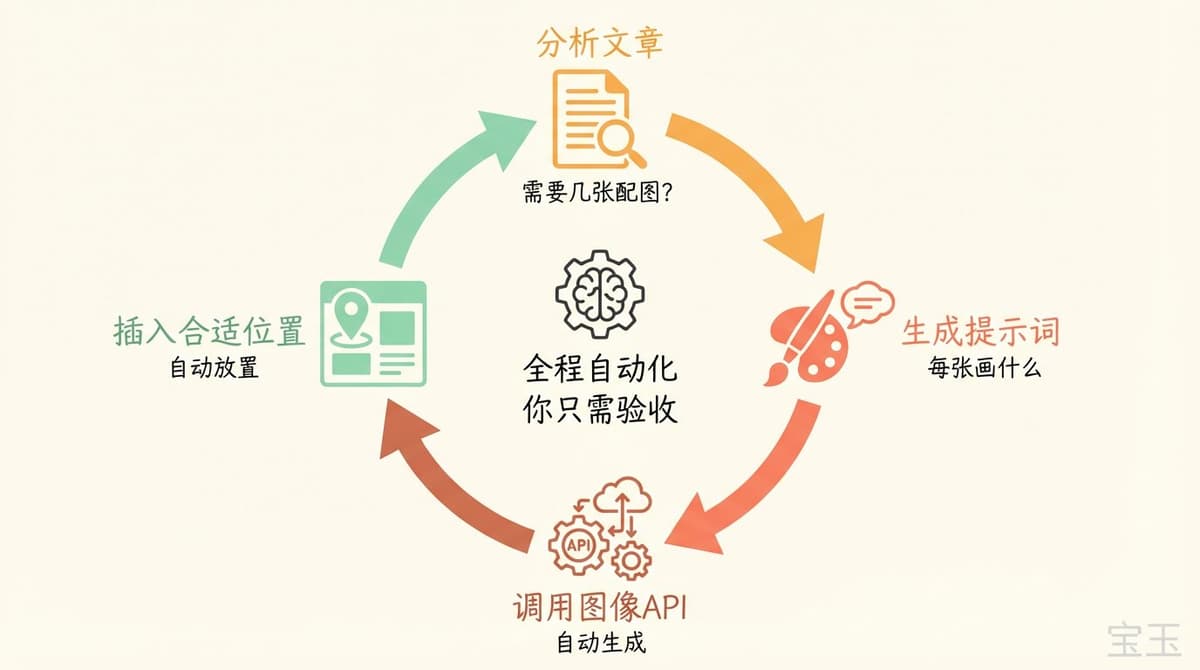
You could also write a program to do this, but you'd have to build a web application, connect it to the LLM API and the image generation API, which costs much more than a Skill. With a Skill? Just a few lines to integrate an image-adding Skill, and it's done. No code required, and once written, you can share it with others.
Can Your Skill Be Combined with Other Skills?
The original design intention of Skills is modularity: each Skill does one thing well, and then they can be assembled like Lego bricks.
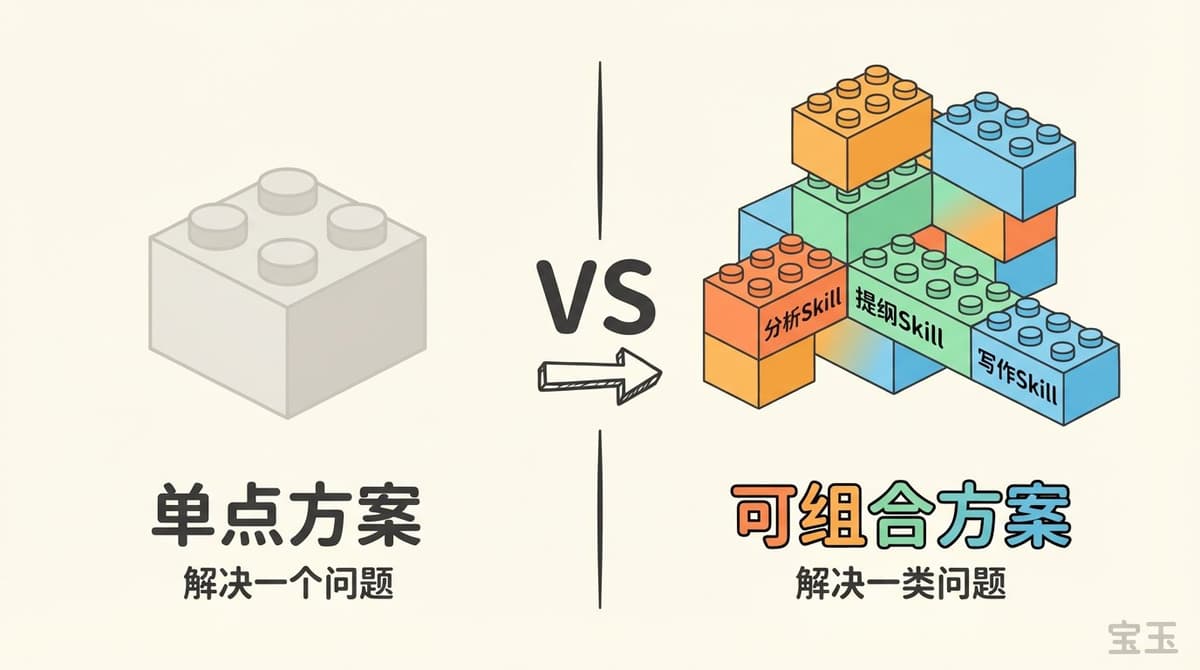
The difference between a point solution and a composable solution often doesn't show during the first use, but the gap widens during subsequent reuse. An isolated Skill solves one problem; a set of composable Skills solves a class of problems.
For example, writing style is essentially a prompt, explaining what you like and dislike. You could put it into Gemini as a Gem, send the material, and get it polished. But it's a point solution, not combinable.
If I turn it into a Skill, I can use this style Skill later for writing video interview scripts, or for posting tweets. Originally, a single Style prompt template would also work, but with Skills, I can combine them:
Material → Analysis Skill → Outline Skill → Writing Skill
When writing a PPT, I can reuse the Analysis Skill and Outline Skill.
So when designing a Skill, avoid the urge to create a "monolith." A Skill that tries to do everything might seem convenient, but it actually blocks the possibility of combination.
Is This Skill Worth Your Continuous Iteration?
A good Skill isn't written; it's used.
This is completely different from traditional prompt writing. A prompt is you sitting down, meditating on what the AI needs to know, and writing it all at once; a Skill is you working together with the Agent, gradually accumulating experience as you go.
While using the Agent to complete tasks, let it summarize successful practices and pitfalls it encountered into a Skill. If it goes off track, let it reflect on where the problem was. As you use it, the Skill becomes more and more accurate.
If you never want to touch a Skill again after creating it, then that Skill probably shouldn't have been made in the first place.
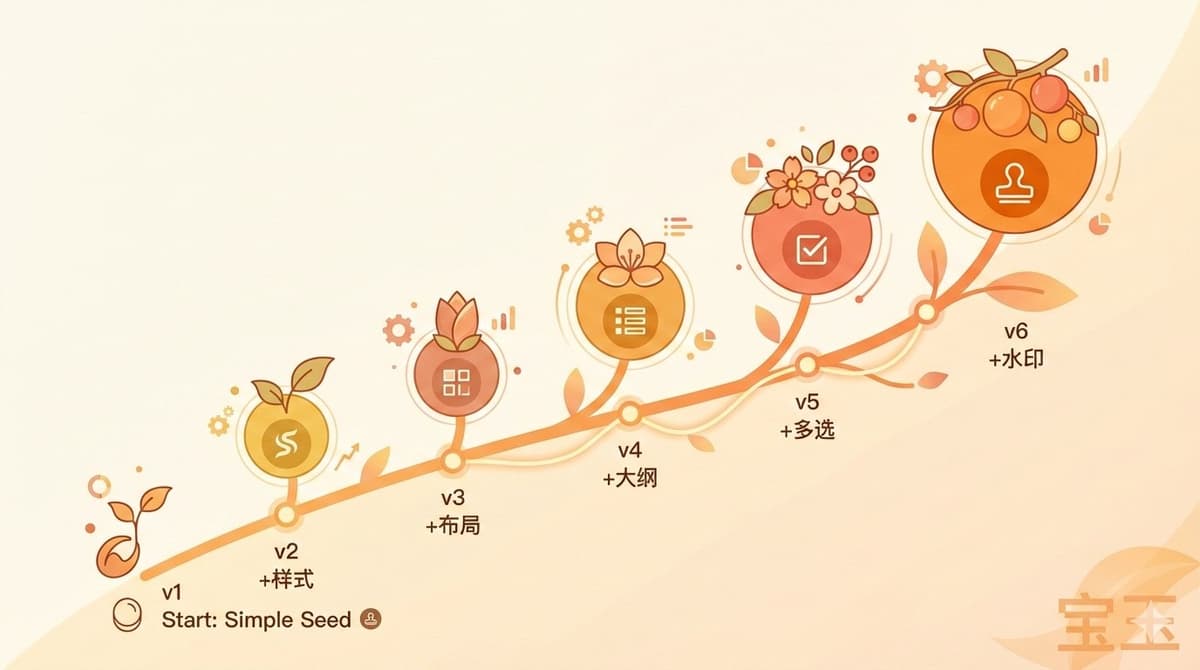
Just like my Xiaohongshu Skill, which has been iterated version by version until today:
The most interesting part is, when you find a problem during use, you can immediately ask the Agent to help optimize it, saving the trouble of reproducing and describing it. The iteration cost is extremely low – this is the unique advantage of Skills compared to traditional code.
What Is the Most Correct Way?
It's not about installing every cool Skill from GitHub. That would only make Claude load a bunch of useless metadata on startup, hindering its judgment.
It's also not about thinking of encapsulating every feature you see into a Skill. That's over-engineering.
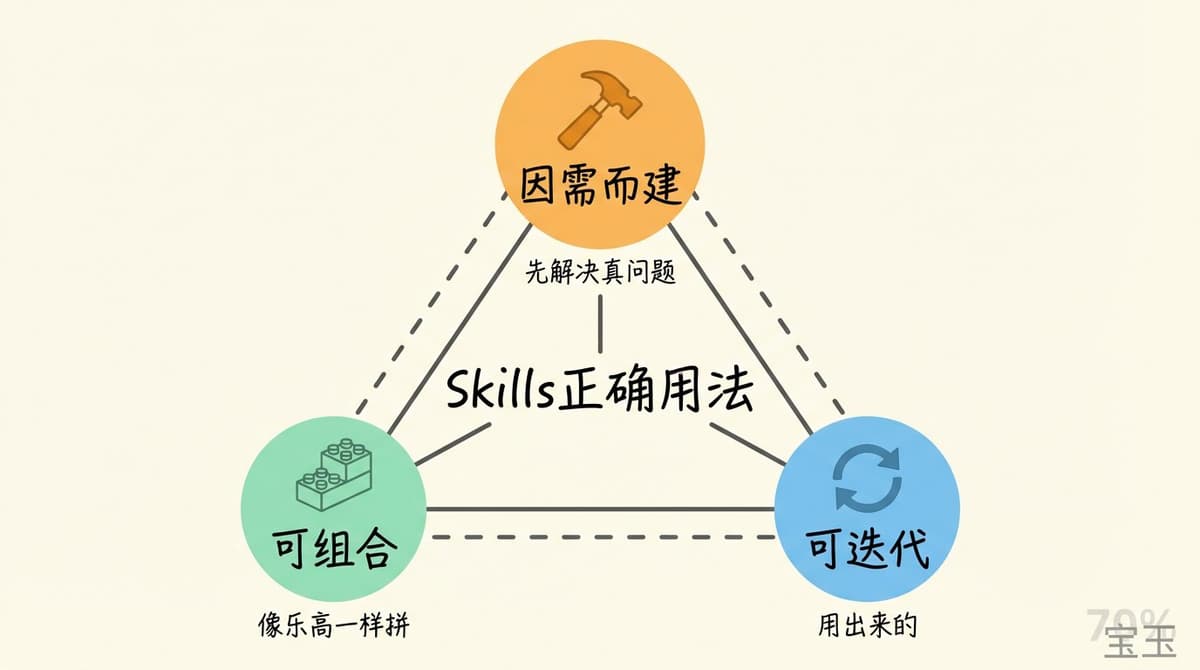
The correct way to use Skills is: first, get to work. When you repeatedly get stuck at a certain point, use the minimal context to solve that bottleneck. Finally, ensure this solution can be combined with other Skills and can be continuously iterated.
Three words: Build on demand, Be composable, Be iterable.
Writing a Skill for an Agent is like writing an onboarding guide for a new employee. You wouldn't dump all the company documents on them on the first day; instead, based on the tasks they need to do, you give them the most essential ones.