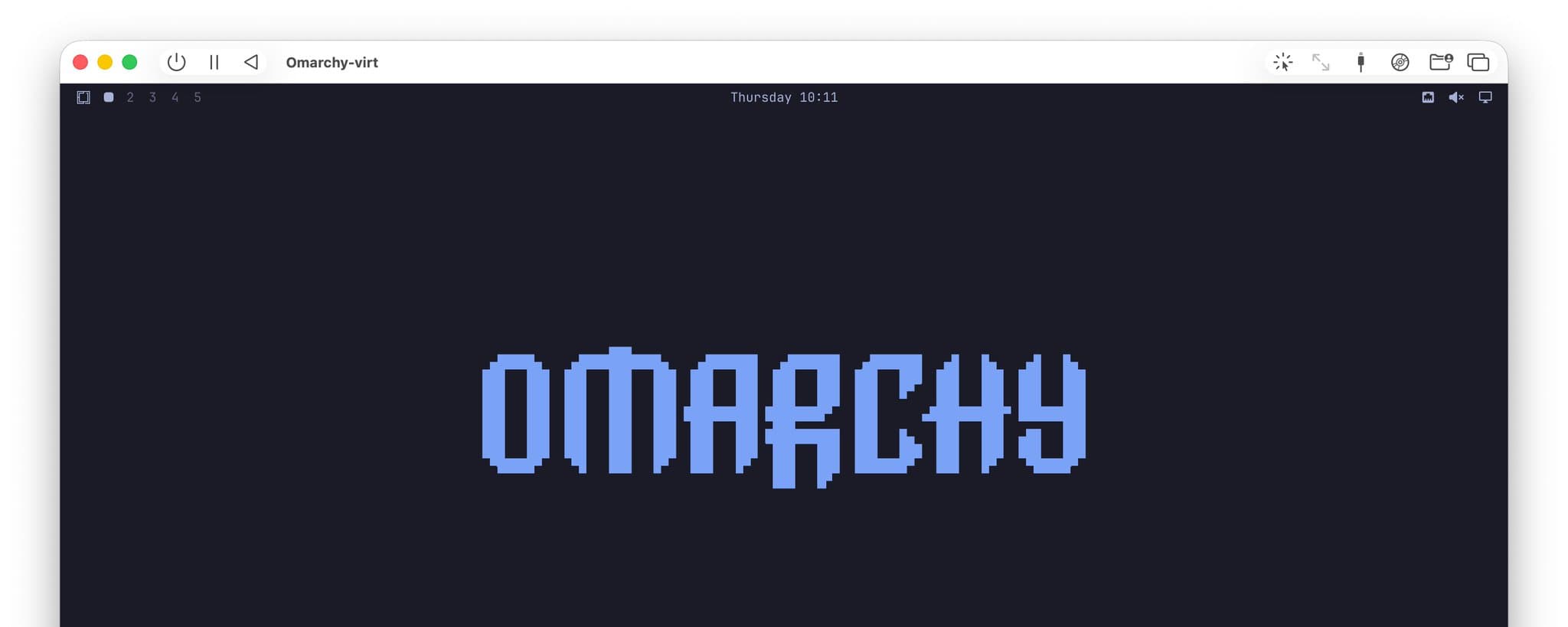
Experience Omarchy Smoothly with Mac UTM Virtual Machine
If you were considering purchasing an x86 laptop just to experience Omarchy... that's no longer necessary. I have built a Omarchy AArch64 generic image that can run smoothly on Apple Silicon via a virtual machine. It works well in, for example, UTM.
UTM Installation and Setup
First, you need to download the latest UTM, version 5.0.4 or above.
Then run the installation command from the project repository.
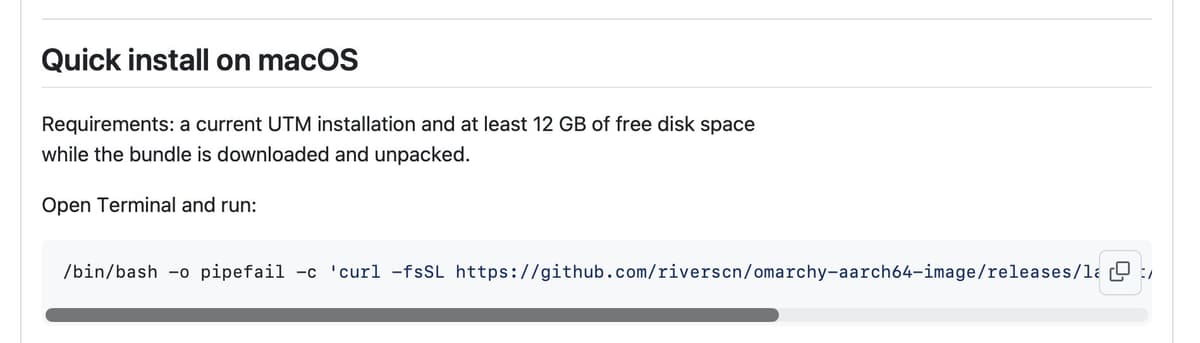
The script will download the sliced image files from GitHub and merge them into an Omarchy-virt.utm image package placed at ~/Downloads/Omarchy-virt.utm, and automatically open it in UTM after the download completes.
Of course, you can also move it to a more permanent location for long-term use.
Right-click on the virtual machine in the list, go to Edit - Sharing, and you can set the shared folder location.
Key Features
While retaining almost all software packages and features of the official Omarchy system, it deeply integrates with the QEMU/SPICE-based virtual machine experience.
Compared to a physical machine, the user experience is almost unchanged. Additionally, I have trimmed the software packages based on the actual capabilities and usage scenarios of the virtual machine.
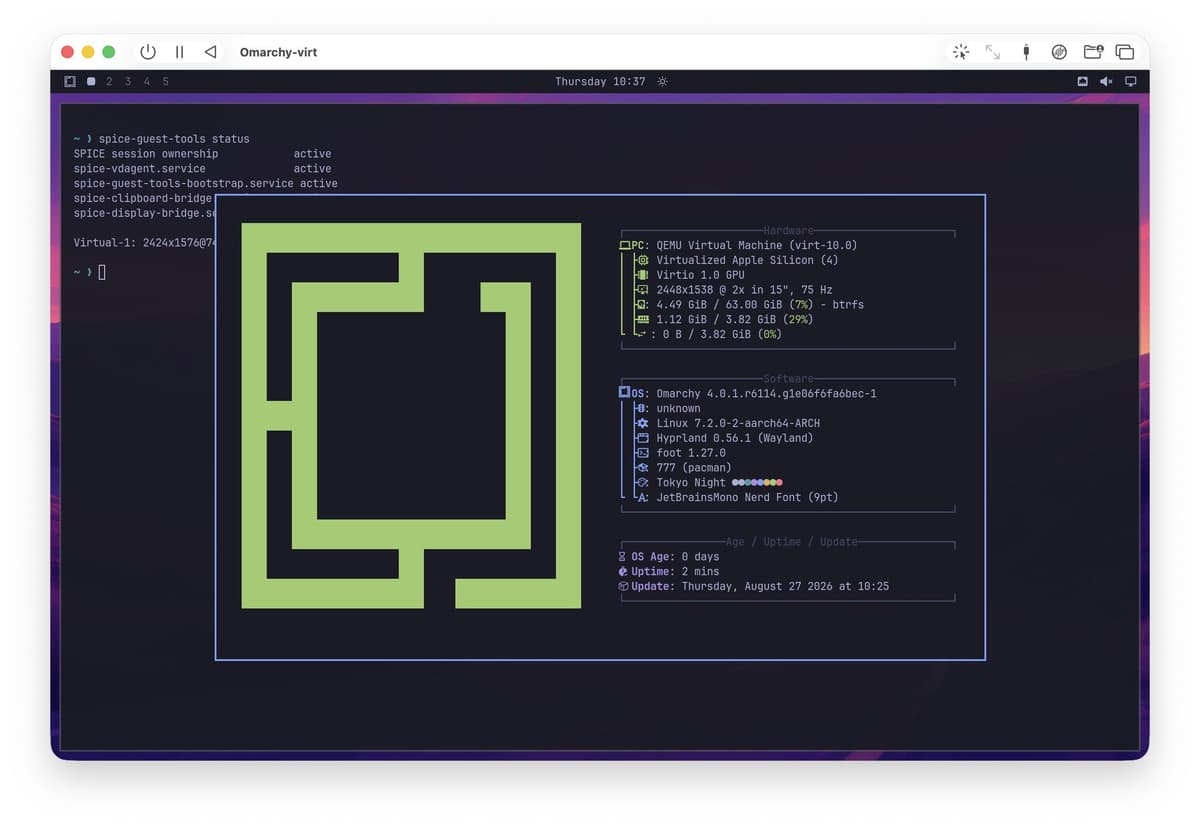
If you are handy, it can easily support other AArch64 physical hardware as well, not just virtual machines. However, I currently don't have other hardware to test with, nor the energy to work on it.
Appendix: Software packages not installed compared to the official version
yamlasdcontrol
bluez
bluez-tools
bluez-utils
bolt
brightnessctl
ddcutil
gpu-screen-recorder
hyprland-preview-share-picker
hyprsunset
kdenlive
libreoffice-fresh
moonlight-qt
obs-studio
power-profiles-daemon
qemu-user-static-binfmt
wireless-regdb