Yu's Skills - My Vibe Skill Kit
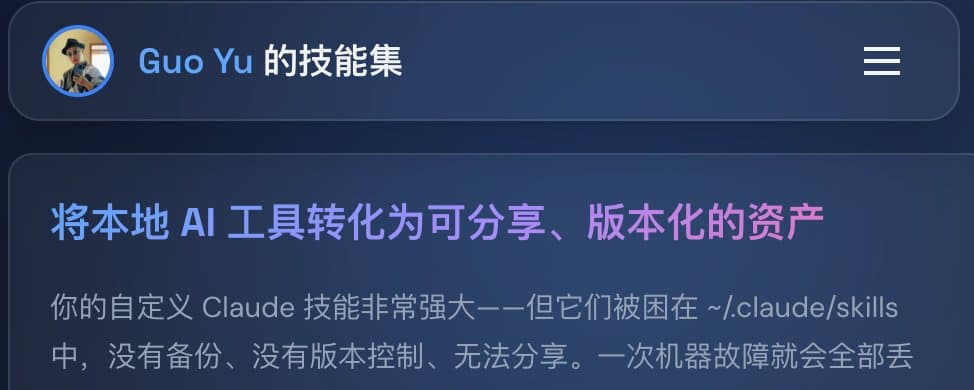
Today, I open-sourced some skills I designed to solve practical problems in my local multi-project vibe. You can view the documentation and effects of these skills on the website https://skill.guoyu.me/. This documentation site is also automatically built by Share-Skill. Share-Skill supports personal skill set management, automatically builds internationalized language documentation, and includes built-in design prompts. You can also opt for more professional design skills to help you create more beautiful pages. During the build process, it also analyzes the actual functionality of each skill you open-source to help you better market your skills. The entire build process is fully automated. Whenever you create or modify a skill in any working directory, Share-Skill will automatically build and push your skill set repository to GitHub or other hosting services. Combined with GitHub Pages, it enables local changes to be reflected immediately in the documentation.
In this concept, we have effectively unified and centralized the build tools of traditional software workflows using cc. We don’t need to worry about programming languages or the modules they introduce; we only need to focus on the tasks we want the computer to automate and describe them in natural language. The only drawback is that skills cannot be designed to be more complex because the requirements and logic written in markdown files are difficult to cover with comprehensive tests.
Share Skill (Core Tool)
Pain Point: Claude Code’s custom skills are by default stored in the ~/.claude/skills/ directory, with no version control or backup mechanism. If the machine fails, these skills are lost. More importantly, these skills cannot be shared with others or turned into reusable knowledge assets.
Solution: Share Skill is a one-stop skill migration and open-source tool. It seamlessly migrates local skills to a Git repository, automatically creates symbolic links for compatibility, and provides complete documentation website generation capabilities.
Key Highlights:
This is a bridge that turns personal AI tools into shareable assets.
Skill i18n
Pain Point: You’ve created an excellent skill, but it only supports one language. Global developers cannot discover or use it, and your influence is limited by language barriers. Manually translating documentation is time-consuming and requires professional language skills.
Solution: Skill i18n automatically translates SKILL.md and README.md into multiple languages (Chinese, Japanese, Korean, Spanish, etc.). It preserves code blocks and technical terms unchanged, only translating content that needs localization, and adjusts the expression style according to the target language. Configure once, and subsequent updates are automatically synchronized.
Port Allocator
Pain Point: Every developer has experienced this frustration: starting a development server and seeing "Port 3000 is already in use." You kill a process, only to break another project, wasting a lot of time debugging port conflicts. This issue is especially severe when multiple Claude Code instances are running in parallel.
Solution: Port Allocator assigns a dedicated port range to each project (e.g., 3000-3009, 3010-3019), completely eliminating port conflicts. It automatically scans code directories, intelligently allocates ports, and writes the configuration to package.json, making port management predictable and traceable.
Skill Permissions
Pain Point: Every time you use a skill, Claude repeatedly asks, "Allow this command?" Frequent permission prompts interrupt your workflow, and you don’t even know what permissions the skill actually needs, forcing you to click confirm one by one.
Solution: Skill Permissions pre-analyzes all the permissions a skill requires and generates a single command for one-time authorization. It displays the purpose of each permission, allowing you to grant permissions in bulk with full awareness, enabling zero-disturbance coding.
Summary
This toolchain forms a complete skill lifecycle management system: use Port Allocator to manage the development environment, Skill Permissions to simplify the authorization process, Skill i18n for internationalization, and finally Share Skill to open-source and deploy the documentation website with one click. Together, they solve the entire process of transforming Claude Code skills from "personal drafts" into "shareable assets."